Skip to content
Field's Farmstead
  • Farm Stand
  • Farm Membership
  • About Us
  • How We Farm
  • Contact Us
  • Shop
  • 0
0 Menu Close
  • View:
  • 12
  • 24
  • All
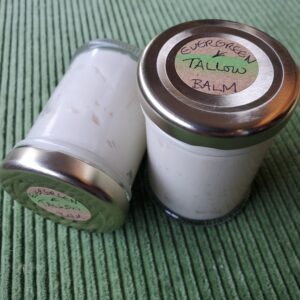
  • Evergreen Tallow BalmEvergreen Tallow Balm Quick View
    • Evergreen Tallow BalmEvergreen Tallow Balm Quick View
    • Herbal Goods
    • Evergreen Tallow Balm

    • $13.00
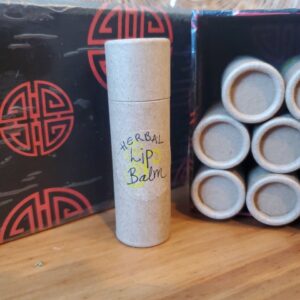
  • Herbal Lip Balm Quick View
    • Herbal Lip Balm Quick View
    • Herbal Goods
    • Herbal Lip Balm

    • $5.00
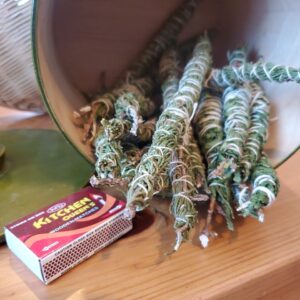
  • Smudge Bundle Quick View
    • Smudge Bundle Quick View
    • Herbal Goods
    • Smudge Bundle

    • $5.00
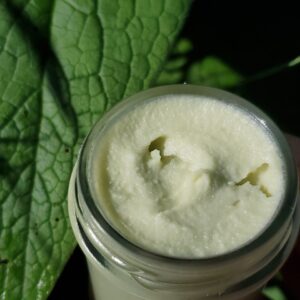
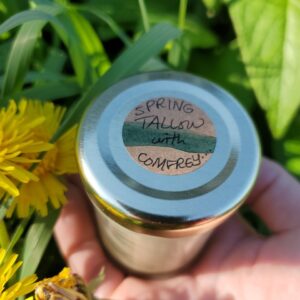
  • Spring Tallow Balm with ComfreySpring Tallow Balm with Comfrey Quick View
    • Spring Tallow Balm with ComfreySpring Tallow Balm with Comfrey Quick View
    • Herbal Goods, Herbs
    • Spring Tallow Balm with Comfrey

    • $13.00
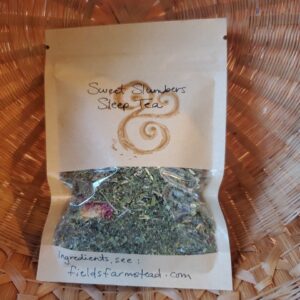
  • Tea – Sweet Slumbers Sleep Tea Quick View
    • Tea – Sweet Slumbers Sleep Tea Quick View
    • Fruits and Vegetables, Herbal Goods, Herbs
    • Tea – Sweet Slumbers Sleep Tea

    • $6.00
    • Add to cart
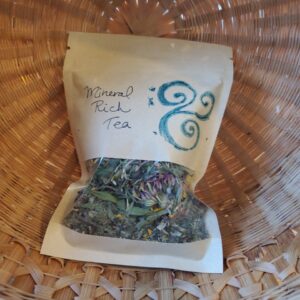
  • Tea Mineral Rich Tea Quick View
    • Tea Mineral Rich Tea Quick View
    • Herbal Goods, Herbs
    • Tea Mineral Rich Tea

    • $6.00
  • 1
  • 2

We Accept Bitcoin!

  • Contact Us
  • Resources
  • Delivery
  • Farm Membership
  • How We Farm

  • Farm Stand
  • Farm Membership
  • About Us
  • How We Farm
  • Contact Us
  • Shop
  • 0
Type your search
×

Making the spreadsheet of orders

  1. CLICK: woocommerce orders
  2. there, click the button Copy Orders TSV
  3. you go to the google spreadsheet called 'csa' which is on the fieldsfarmstead@gmail.com account, which should automatically be logged in click here to go there directly!
  4. you select everything, which you can do by pressing CTRL+A 2 times in a row
  5. press Delete to erase all the old stuff
  6. you paste, which you can do by pressing CTRL+V
  7. you click on "JP's Magic" at the top and then click "Setup CSA Harvest"
  8. done! thats it
×
×

Cart