Skip to content
Field's Farmstead
  • Farm Stand
  • Farm Membership
  • About Us
  • How We Farm
  • Contact Us
  • Shop
  • 0
0 Menu Close
  • View:
  • 100
  • 200
  • All
  • LettuceLettuce Quick View
    • LettuceLettuce Quick View
    • Fruits and Vegetables, Leafy Greens, Salad Greens
    • Lettuce

    • $3.50
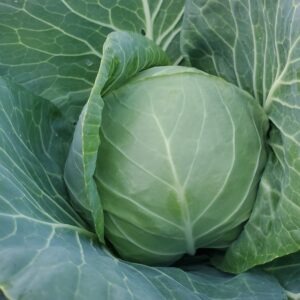
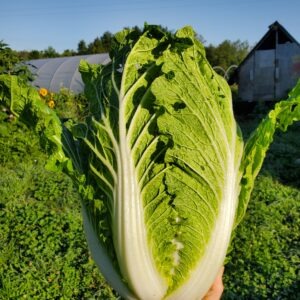
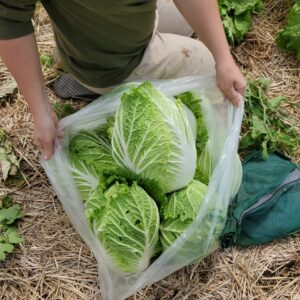
  • CabbageCabbage Quick View
    • CabbageCabbage Quick View
    • Cooking Greens, Fruits and Vegetables, Leafy Greens, Lunar Rhythm Gardens
    • Cabbage

    • $5.00
  • Collard GreensCollard Greens Quick View
    • Collard GreensCollard Greens Quick View
    • Cooking Greens, Fruits and Vegetables, Leafy Greens
    • Collard Greens

    • $4.00
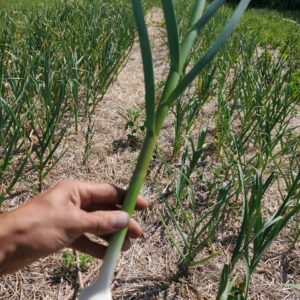
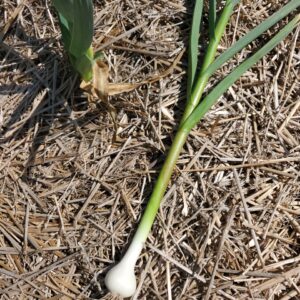
  • Garlic ScapesGarlic Scapes Quick View
    • Garlic ScapesGarlic Scapes Quick View
    • Fruits and Vegetables
    • Garlic Scapes

    • $4.00
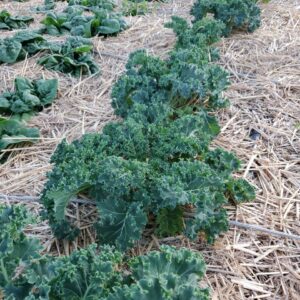
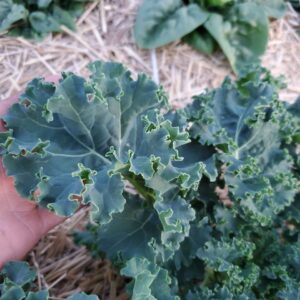
  • KaleKale Quick View
    • KaleKale Quick View
    • Cooking Greens, Fruits and Vegetables, Leafy Greens, Salad Greens
    • Kale

    • $5.00
    • Add to cart
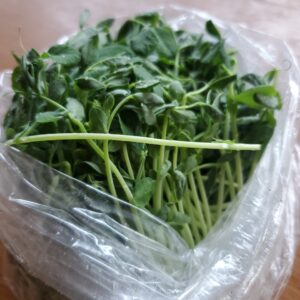
  • Pea ShootsPea Shoots Quick View
    • Pea ShootsPea Shoots Quick View
    • Fruits and Vegetables, Leafy Greens, Salad Greens
    • Pea Shoots

    • $5.00
  • BeetsBeets Quick View
    • BeetsBeets Quick View
    • Root Vegetables
    • Beets

    • $5.00
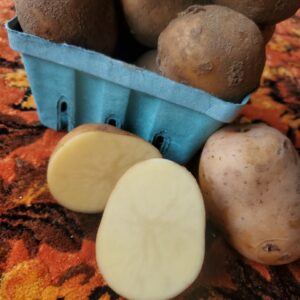
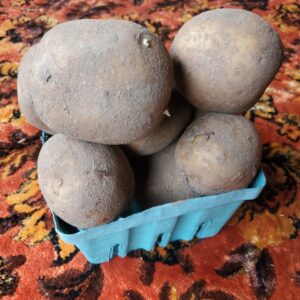
  • Potatoes, yellow, 2 lbs (John Wood)Potatoes, yellow, 2 lbs (John Wood) Quick View
    • Sale!
      Potatoes, yellow, 2 lbs (John Wood)Potatoes, yellow, 2 lbs (John Wood) Quick View
    • Fruits and Vegetables, John Wood, Root Vegetables
    • Potatoes, yellow, 2 lbs (John Wood)

    • $3.50 Original price was: $3.50.$3.00Current price is: $3.00.
  • Dill Quick View
    • Dill Quick View
    • Fruits and Vegetables, Herbs
    • Dill

    • $3.00
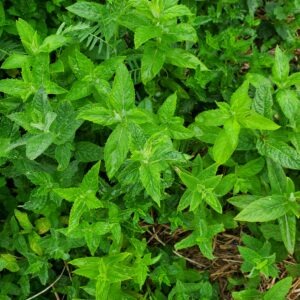
  • MintMint Quick View
    • MintMint Quick View
    • Herbal Goods, Herbs
    • Mint

    • $3.00
  • Apple Mint Quick View
    • Apple Mint Quick View
    • Fruits and Vegetables, Herbs
    • Apple Mint

    • $3.00
  • Thyme Quick View
    • Thyme Quick View
    • Fruits and Vegetables, Herbs
    • Thyme

    • $3.00
  • 1
  • 2

We Accept Bitcoin!

  • Contact Us
  • Resources
  • Delivery
  • Farm Membership
  • How We Farm

  • Farm Stand
  • Farm Membership
  • About Us
  • How We Farm
  • Contact Us
  • Shop
  • 0
Type your search
×

Making the spreadsheet of orders

  1. CLICK: woocommerce orders
  2. there, click the button Copy Orders TSV
  3. you go to the google spreadsheet called 'csa' which is on the fieldsfarmstead@gmail.com account, which should automatically be logged in click here to go there directly!
  4. you select everything, which you can do by pressing CTRL+A 2 times in a row
  5. press Delete to erase all the old stuff
  6. you paste, which you can do by pressing CTRL+V
  7. you click on "JP's Magic" at the top and then click "Setup CSA Harvest"
  8. done! thats it
×
×

Cart